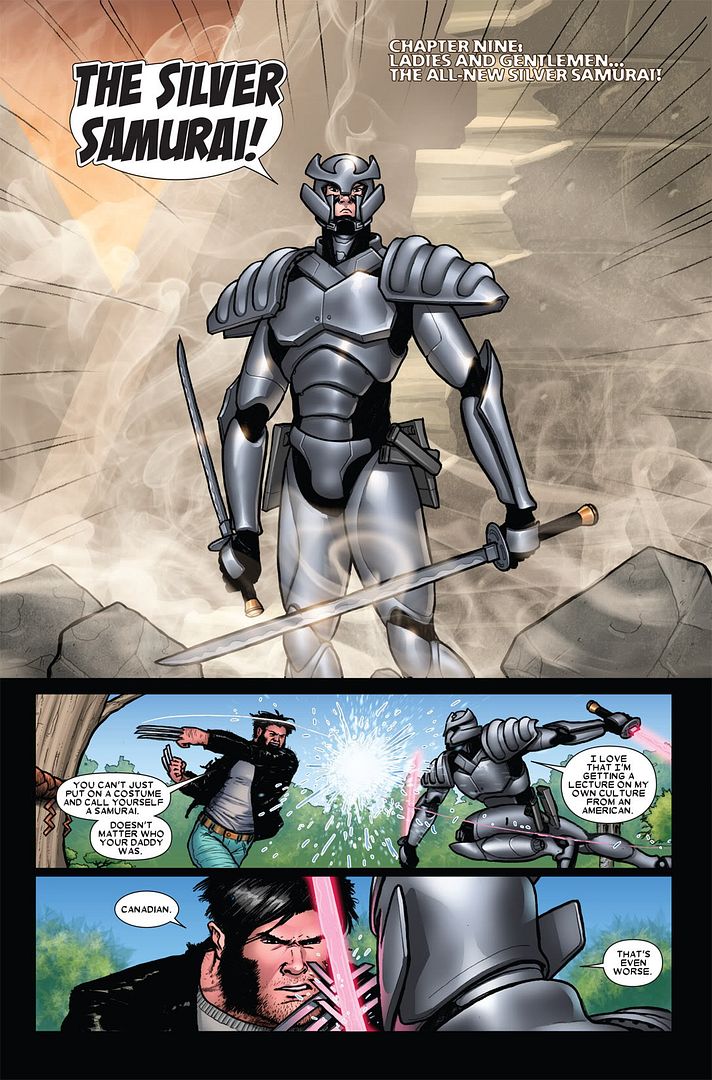
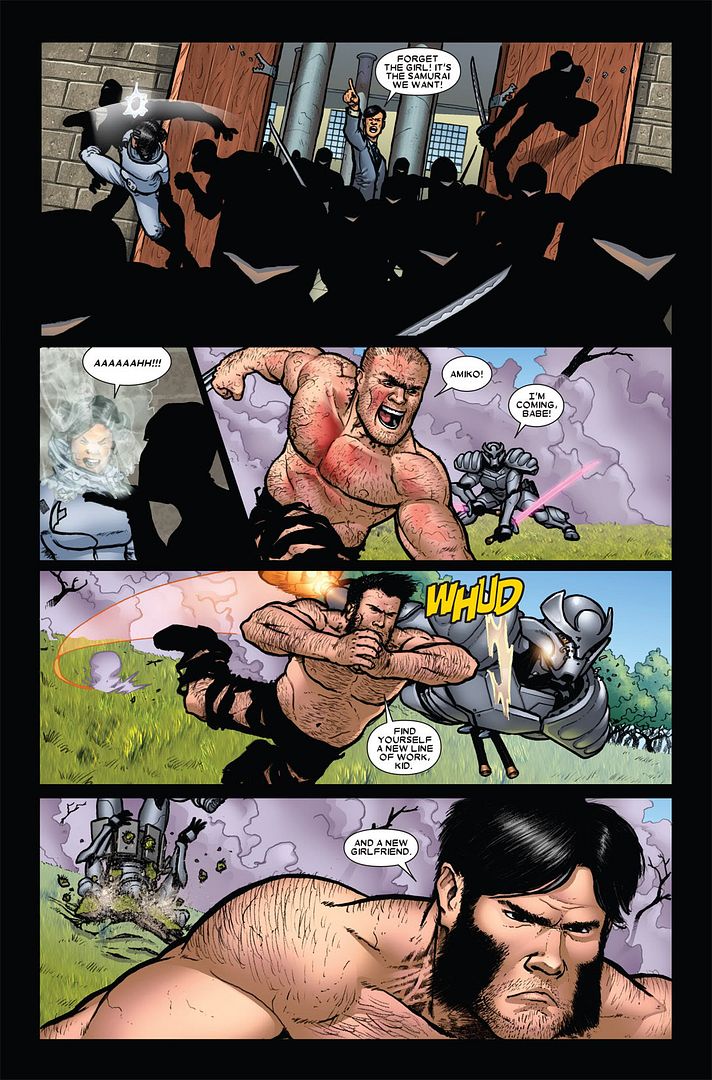
http://i233.photobucket.com/albums/ee113/wolverinerespectthread/WolverineVsSilverSamuraiII04.jpg
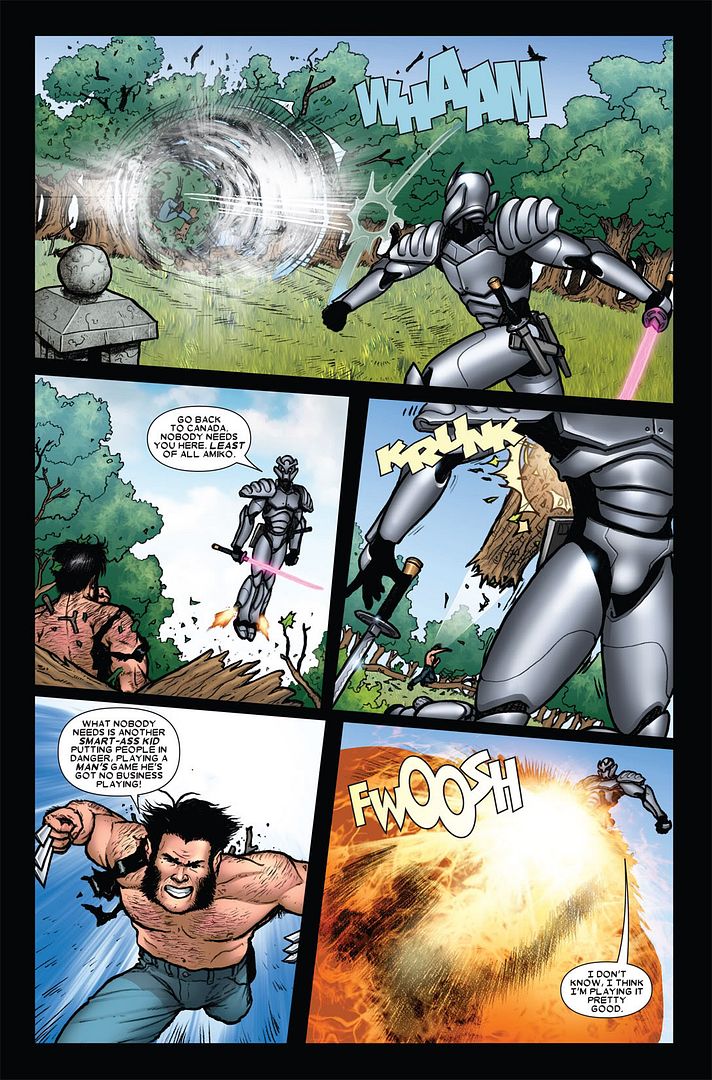
http://i233.photobucket.com/albums/ee113/wolverinerespectthread/WolverineVsSilverSamuraiII05.jpg
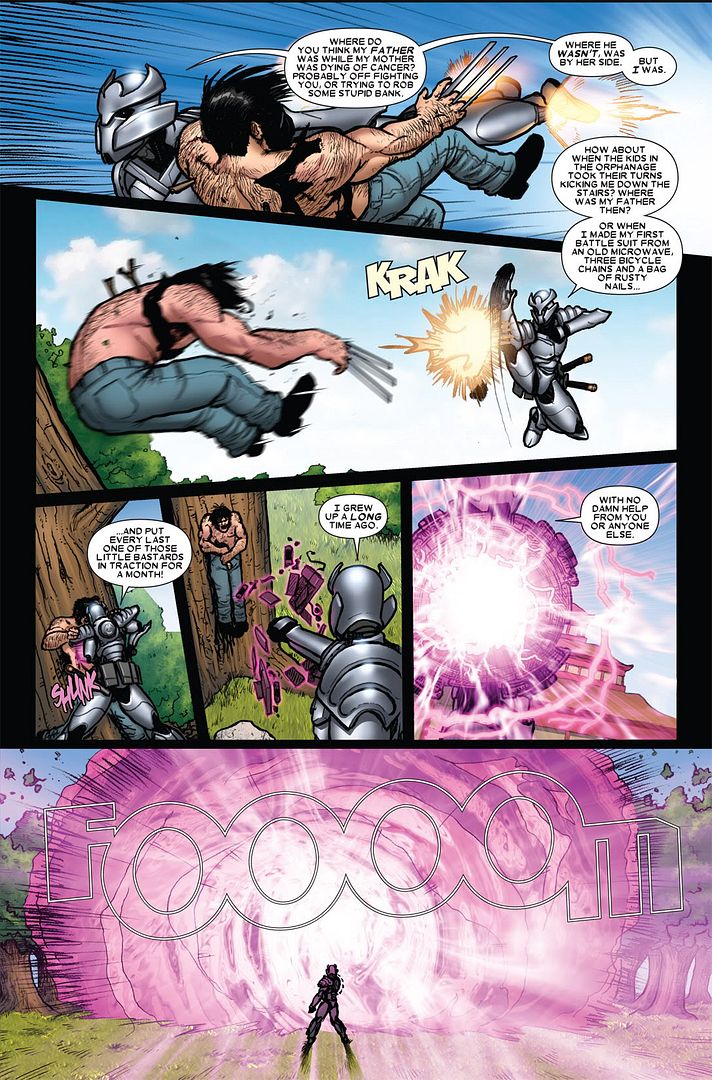
http://i233.photobucket.com/albums/ee113/wolverinerespectthread/WolverineVsSilverSamuraiII06.jpg
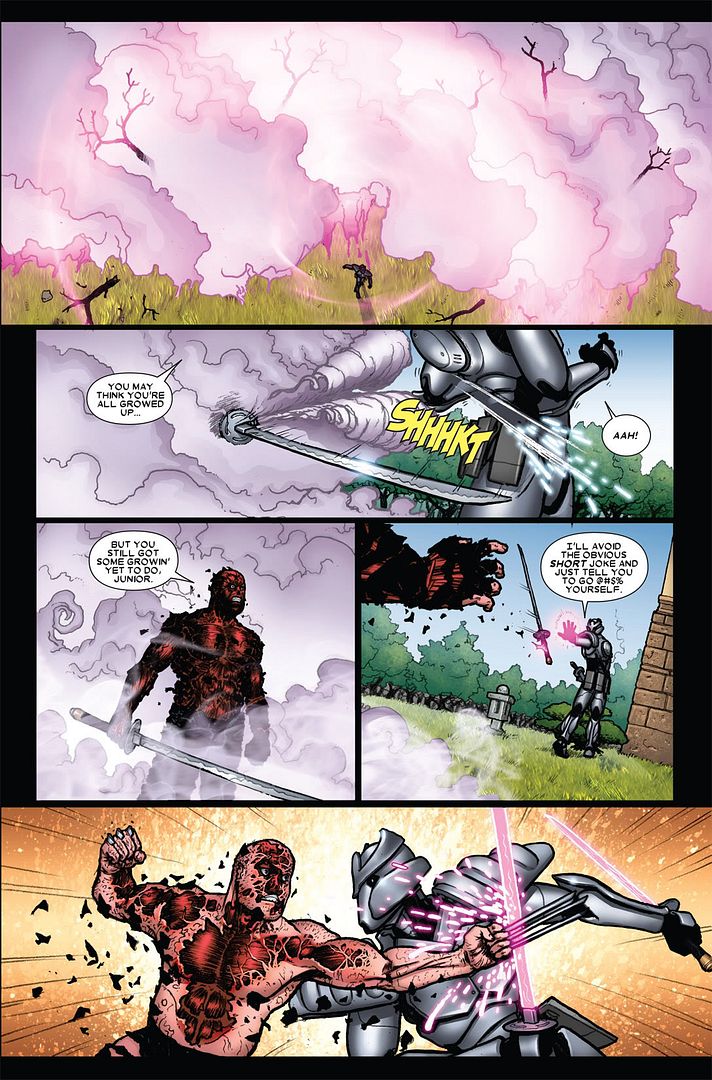
http://i233.photobucket.com/albums/ee113/wolverinerespectthread/WolverineVsSilverSamuraiII07.jpg
http://i233.photobucket.com/albums/ee113/wolverinerespectthread/WolverineVsSilverSamuraiII08.jpg
Is it different from direct links instead of thumbs?
Originally posted by srankmissingnin
http://i233.photobucket.com/albums/ee113/wolverinerespectthread/WolverineVsSilverSamuraiII04.jpg
http://i233.photobucket.com/albums/ee113/wolverinerespectthread/WolverineVsSilverSamuraiII05.jpg
http://i233.photobucket.com/albums/ee113/wolverinerespectthread/WolverineVsSilverSamuraiII06.jpg
http://i233.photobucket.com/albums/ee113/wolverinerespectthread/WolverineVsSilverSamuraiII07.jpg
http://i233.photobucket.com/albums/ee113/wolverinerespectthread/WolverineVsSilverSamuraiII08.jpgIs it different from direct links instead of thumbs?
A LOT BETTER.
Originally posted by abhilegend
Hey srank, how do you change the default size of images in photobucket?
You go to account settings (which can be found to left of the search option on the right side of the screen), then go to Album Settings, from there click View upload potions and change to the desired resolution. I choose best possible quality under 1mb, you can go higher if you upgrade to pro... but 1mb file is more than good enough for our purposes here.
Why are you in the hospital?
Originally posted by srankmissingnin
You go to account settings (which can be found to left of the search option on the right side of the screen), then go to Album Settings, from there click View upload potions and change to the desired resolution. I choose best possible quality under 1mb, you can go higher if you upgrade to pro... but 1mb file is more than good enough for our purposes here.Why are you in the hospital?
You posted some nice links in the Wolverine respect thread and my mouth was watering to see them. As soon as I clicked on the link, I was highly disappointed.
Originally posted by srankmissingnin
You go to account settings (which can be found to left of the search option on the right side of the screen), then go to Album Settings, from there click View upload potions and change to the desired resolution. I choose best possible quality under 1mb, you can go higher if you upgrade to pro... but 1mb file is more than good enough for our purposes here.Why are you in the hospital?
Originally posted by carver9
WOW. Upgrade?
Originally posted by carver9Are you clicking the bottom center hyperlink that reads something like: "View full version..."?
I guess so. Whatever you did, please do it in the Wolverine respect thread when you post links. Can't see ANY of your scans.
When you look at photobucket from a mobile device, it will default you to looking at it in reduced mobile version. Next time you visit photobucket, even if on a desltop, it will open photobucket in the reduced mobile version.